
How to Check Your Voter Registration
Checking your voter registration only takes a minute. Yet, It's one of the most important things you can do before Election Day.
Here's how to make sure you're ready to vote on November 3.
4 easy steps to take before October 5
1. Check your registration status.
Head to the Texas Secretary of State's My Voter Portal. Enter your information, click on the General Tab, and make sure your voter status is active. Even if you voted earlier this year, it’s an important step!
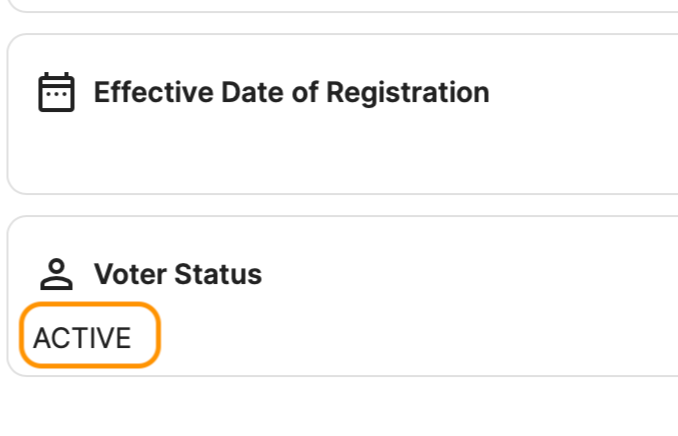
Voter Status on the Texas My Voter Portal
2. Look at your address, not just your status.
Making sure your "Active" isn't enough. Also check that the address listed is where you live now.
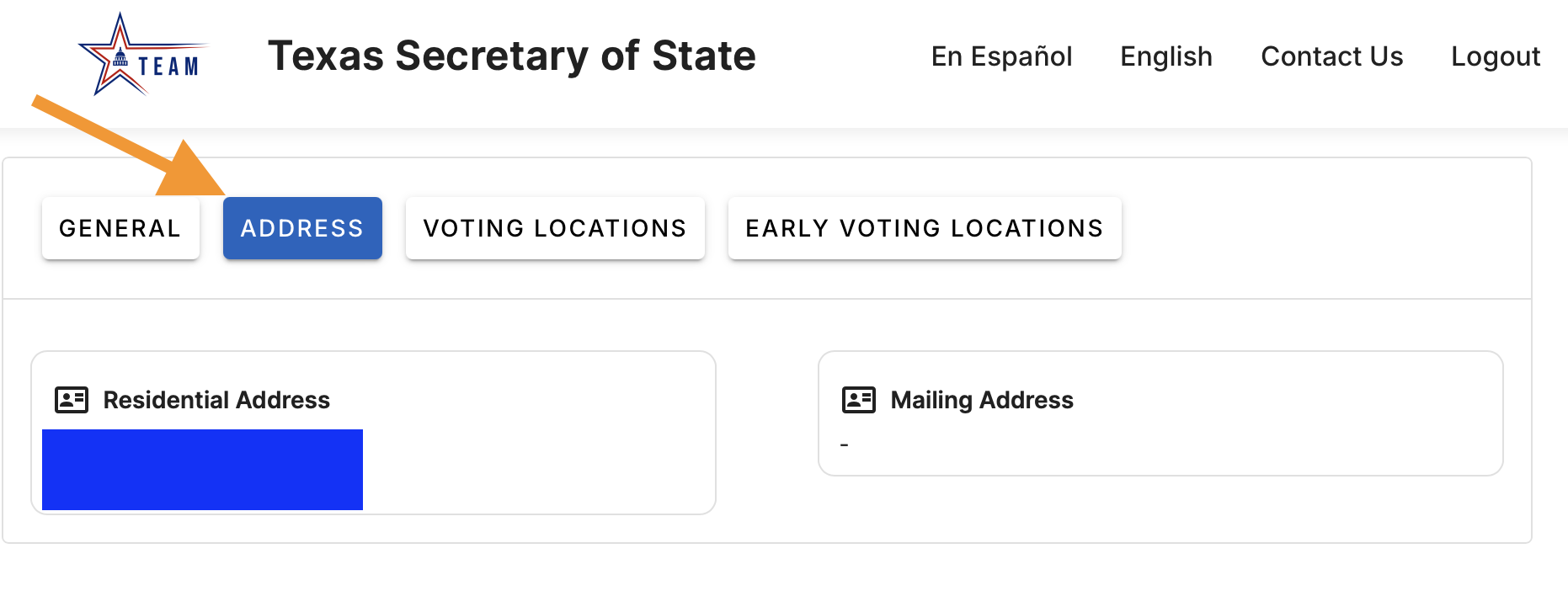
Texas My Voter Poll - Where to Check Your Address
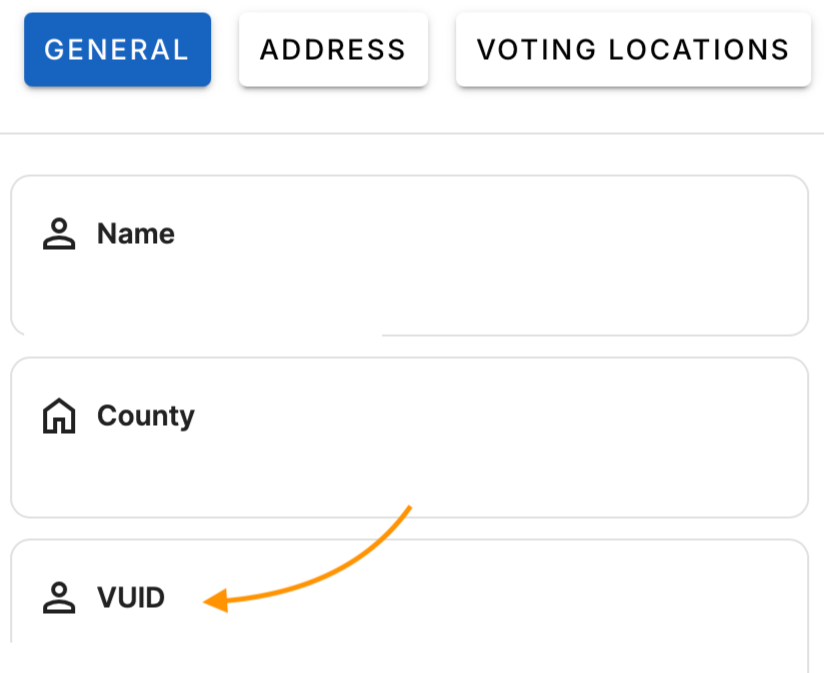
Recently moved? You can update your addy online at Texas.gov. You'll need your VUID number to log in, which you can find it on the My Voter Portal (see screenshot above for exact location).
3. Not registered yet? You have until October 5.
Monday, October 5 is the last day to register for the November 3 election. Heads up on a Texas quirk: you can't register fully online. You can fill out the application online, but you still have to print it, sign it and get it to your county voter registrar by the exact time it closes.
Mailing it near the deadline? Take it to a USPS counter and ask for a free manual postmark. That way you have proof of when you sent it. Get official Texas voter registration info
4. Can't find your registration online? Call your county.
Counties run voter registration in Texas. If something looks off, call your county voter registrar and ask them to check your record. You can also call the Texas Secretary of State Elections Division at 1-800-252-VOTE (8683).
Have a receipt, email or confirmation from your DPS transaction? Hang on to it.